






Original Dell P72F Laptop Battery – Buy in the UAE
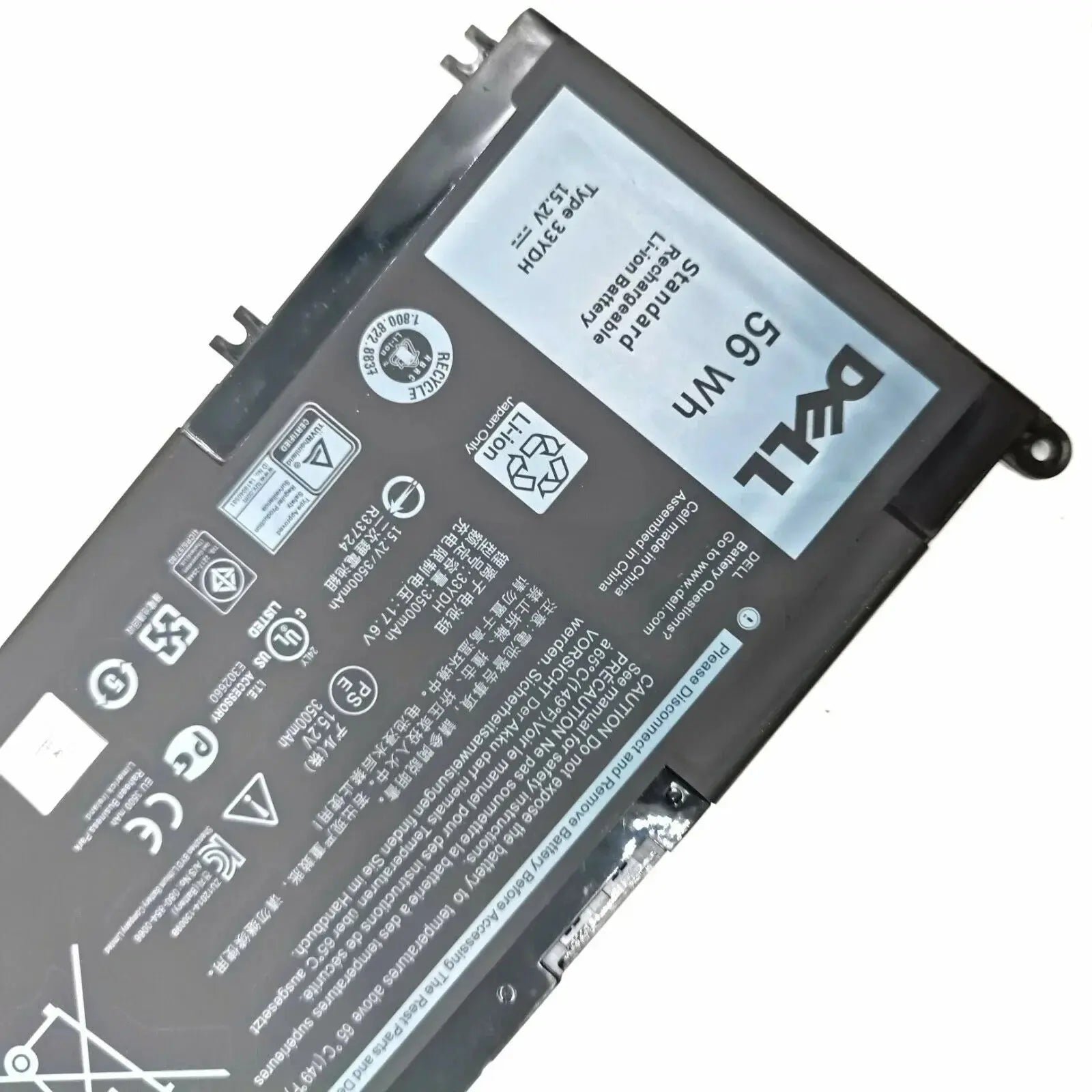
This is an original (genuine) Dell battery, rated 15.2V 56Wh with a 4-cell design. Before ordering, match the part number printed on your current battery label with one of the compatible part numbers below, and check your laptop model in the full fit list.
Key Features
- Output voltage: 15.2V
- Capacity: 56Wh
- 4-cell configuration
- Chemistry: Lithium Ion
- Replaces 7 part numbers (full list below)
- Fits 40+ Dell laptop models (full list below)
- Original condition – clearly disclosed
Specifications
| Brand | Dell |
|---|---|
| Battery Model | P72F |
| Condition | Original |
| Voltage | 15.2V |
| Capacity | 56Wh |
| Number of Cells | 4 cells |
| Chemistry | Lithium Ion |
| Compatible Part Numbers | 7 (listed below) |
| Compatible Models | 40 (listed below) |
| Availability | In stock – ships from Dubai, UAE |
Compatible Part Numbers
Match any of these numbers with the label on your original battery:
- 33YDH
- P30E
- P30E001
- P72F
- P72F001
- P72F002
- PVHT1
Compatible Laptop Models
Use Ctrl+F (Cmd+F on Mac) to find your model. Every model listed by the supplier is included:
- Name Dell Inspiron
- 7353 Series Notebook Dell Inspiron
- 7000 Series Notebook Dell Inspiron
- 7773 Series Notebook Dell Inspiron
- 7777 Series Notebook Dell Inspiron
- 7778 Series Notebook Dell Inspiron
- 7779 Series Notebook Dell Inspiron
- 7788 Series Notebook Dell Latitude
- 3000 (3490) Series Dell Latitude
- 3000 (3590) Series Dell Latitude
- 3000 (3580) Series Dell Inspiron
- 7000 (7577) Series Dell Inspiron
- 7000 (7773) Series Dell Inspiron
- 7000 (7778) Series Dell Inspiron
- 7000 (7779) Series Dell
- 3579 Series Dell
- 3779 Series Dell
- 5587 Series Dell
- 7588 Series Dell
- 15-5587 (P72F
- P72F002) Original Laptop Battery (15.2V
- 4-Cell) –
- 33YDH Get Longer Battery Life and improved laptop performance with this Dell
- 5587 Gaming Laptop Battery. This Battery made by Dell and is built with highest quality components
- and best quality cells which provide longer life with fast charging. IMPORTANT Tips to Take Care for
- your Dell
- 5587
- P72F002 Gaming Laptop Battery: New Dell
- 5587 Battery comes in discharged/ partially charged state and it should go through
- 2-3 charge/ discharge cycles to achieve its optimum efficiency. It is important to fully discharge
- (up to
- 5%) and fully charge Dell
- 5587 Laptop Battery after every two to three weeks so that its cells do not enter in Deep Discharge
- state
- failing to do so may decrease Dell
- 5587 Battery Life . Dell
- 5587 Battery Replacement requires some technical skills to install it and user can either install it
- or hire a technician to do it. Please refer DIY (Do-It-Yourself) videos available on Youtube for
- your convenience. Dell
- 5587 Battery Backup will be the same as you received in a new laptop because this battery has same
How to Check This Battery Fits
- Find the part number printed on your current battery label and compare it with the compatible part numbers above.
- Match the voltage – 10.8V and 11.1V are equivalent, as are 14.4V and 14.8V; other voltage differences do not match.
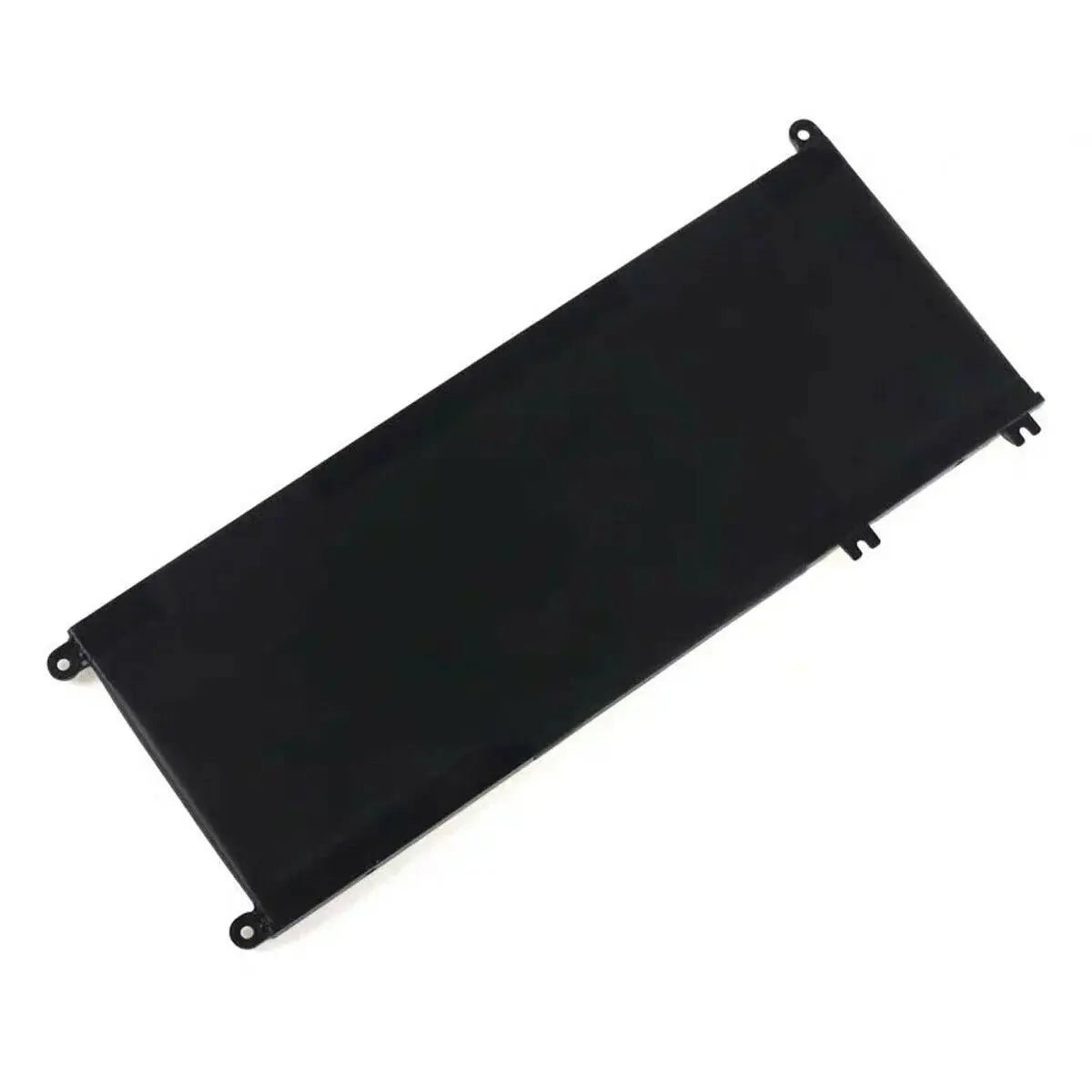
- Check your laptop model against the full model list, and confirm the battery shape and connector from the product photos.
Ordering and Delivery
Order from LowCart.ae – shipped from Dubai with delivery across the UAE, Saudi Arabia and Oman. 30-day hassle-free returns on unopened items.
Frequently Asked Questions
Is this an original Dell battery?
Yes – this listing is for an original (genuine) battery.
How do I know it fits my laptop?
Match the part number on your old battery label against the compatible part numbers above, and check your exact laptop model in the fit list. When in doubt, send us your battery part number and laptop model before ordering.
Should I calibrate a new battery?
Yes – charge it to 100% and keep charging for 2 more hours, then let the laptop run until it shuts down, and charge it uninterrupted back to 100%. This calibrates the fuel gauge for accurate readings.
Reviews
Clear filtersThere are no reviews yet.